

Asaan Karobar Card Status Check. Starting or growing a small business is not an easy task especially when you do not have enough money to invest. The Chief Minister of Punjab Asaan Karobar Card is a new program to help small business owners, shopkeepers and self employed people. In this scheme, the government is giving a digital SME card that allows you to get interest free loans so you can expand your work without paying extra charges to banks
Many people in Punjab have already applied for the card. Once you submit your application the first thing you want to know is if your application is approved or still under process. The good news is that now you can check this from home. You do not need to visit any office or wait in long queues. You can check it on your mobile phone or computer in only a few minutes
Why the Asaan Karobar Card is important
Before we go to the steps it is good to know why this card matters for small businesses
- You can get loans without paying interest
- The whole process is digital so no long paperwork
- It is made for small business owners in cities and villages
- Women who want to start or grow a business can also apply
This scheme is part of the government plan to help small businesses grow, create more jobs and reduce poverty in the province
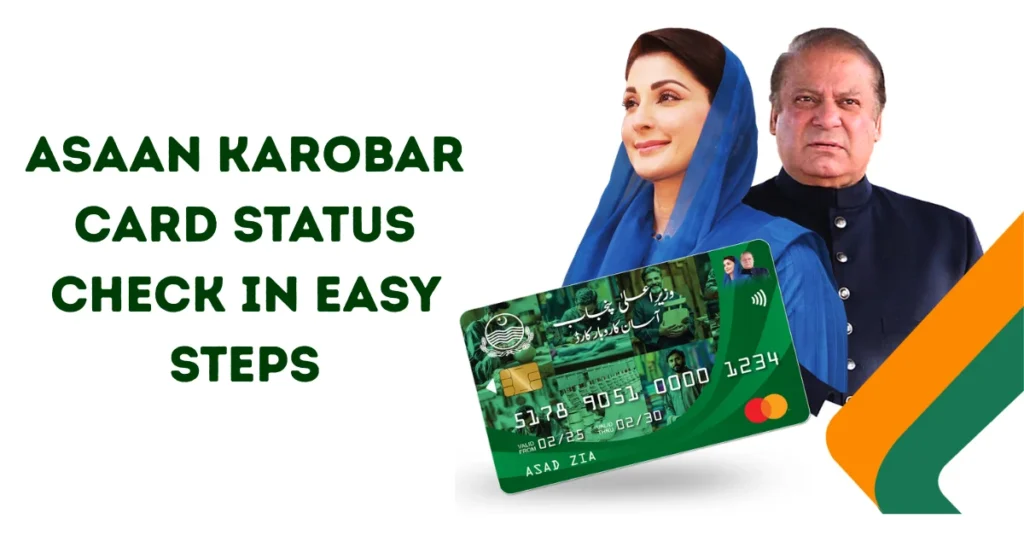
How to Asaan Karobar Card Status Check Online
Follow these steps to check your status online
Step 1: Visit the official website
Go to akc.punjab.gov.pk, which is the official site for the Asaan Karobar Card. Only use the official site so your details stay safe
Step 2: Find the status section
On the homepage look for an option that says Application Status or Check Status and click on it
Step 3: Enter your CNIC number
Type your Computerised National Identity Card number without dashes. This is the main detail that the system uses to find your record
Step 4: Give extra details if asked
Sometimes you may need to enter your application reference number or the mobile number you used when applying
Step 5: Submit and see your result
Click on the submit button. The system will show you the current status of your application
Understanding your application status
When you check the status you may see one of these messages
- Submitted – Your application has been received and is waiting for review
- Under Review – The officials are checking your details and documents
- Approved – Your application is accepted and your card will be issued soon
- Rejected – Your request did not meet the rules, or there was some incorrect information
What to do if your application is approved
If the status shows Approved then
- You will get an SMS or email from the government with the next steps
- You will be told which partner bank branch to visit
- Take your original CNIC to the bank
- The bank will give you your Asaan Karobar Card and guide you on how to activate it
- Once your card is active you can use it to get interest free loans for your business needs
What to do if your application is rejected
If your application is rejected it may be because
- You did not meet the eligibility rules
- Some details in the form were wrong or missing
- Your CNIC or phone number did not match the records
If this happens, do not lose hope. Read the reason for rejection carefully and correct your mistakes. You can apply again in the next phase of the program
Tips for a smooth process
Here are some tips that will help your application move faster
- Always use your own CNIC and phone number
- Check your details before you submit the form
- Save your reference number safely
- Check your status regularly so you do not miss updates
Extra benefits of the Asaan Karobar Card
This program is not only about loans. It also
- Helps new business owners start their work
- Supports shopkeepers in buying stock or equipment
- Creates trust between banks and small businesses
- Works for both rural and urban areas so no one is left behind
Why you should check your status regularly
The application process can be time-consuming, especially when multiple people apply simultaneously. By checking your status regularly you can
- Know if more documents are required
- Act quickly if your application is approved
- Stay updated with all important messages from the government
Conclusion
The Asaan Karobar Card presents a significant opportunity for small business owners in Punjab to grow without the burden of high-interest loans. By giving interest free loans the government is helping people invest in their shops, services or new ideas
Checking your application status online is simple and keeps you informed at every step. Whether you are waiting for review or have already been approved, staying updated will help you take the right action quickly. If you are dreaming of starting or growing your business, then this scheme can be the push you need. Apply, track your status and use this chance to build a better future for your business
